Size the workday
Translate laptop, router, ONT, monitor, and lighting loads into a runtime question you can actually compare.
WattNook / outage power guide
Practical planning estimates for renters and remote workers choosing backup power for laptops, routers, ONTs, monitors, and basic lighting. WattNook helps you size a real device load; it is not a source of measured product-test results.
Independent guide · Commission-supported links · No inventory
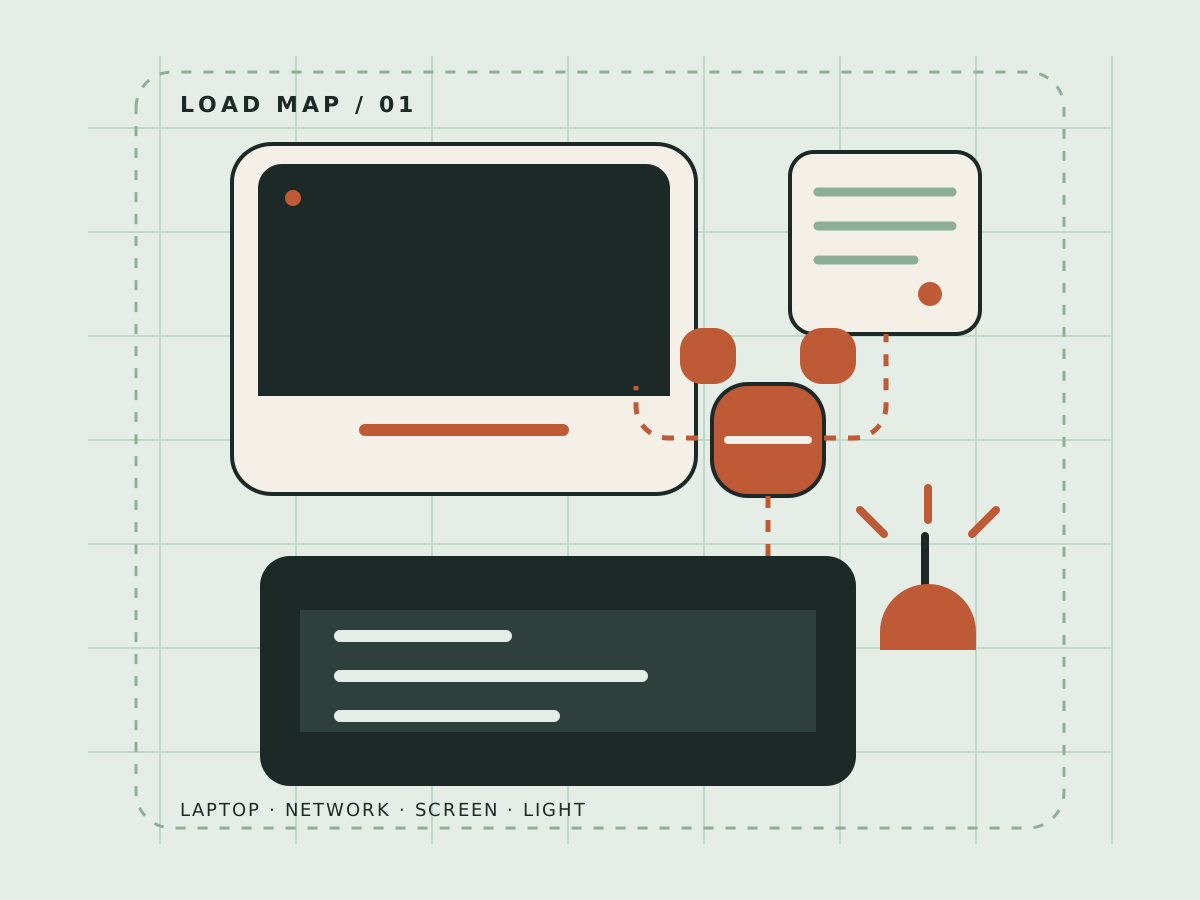
The useful question is rarely “Which station is best?” It is “What will keep my actual setup working, for how long, and at what cost to apartment life?”
Translate laptop, router, ONT, monitor, and lighting loads into a runtime question you can actually compare.
A charged battery cannot guarantee broadband. Treat local network equipment and your home setup as separate parts of the plan.
Noise, portability, indoor-use guidance, storage, cable reach, and recharge speed matter when you rent.
Look for measured runtime and recharge details instead of treating capacity, peak output, or a ranking badge as the whole story.
Use these checks to compare a portable power station, a smaller UPS, or an accessory only when it solves the same work-continuity problem.
| Feature | Why it matters | What to measure | Renter reality |
|---|---|---|---|
| Runtime | A workday is a time requirement, not a box-size requirement. | Usable watt-hours against your real load. | Leave room for lighting and a router, not just the laptop. |
| Recharge | The next outage may arrive before a slow refill is finished. | Time to recharge and the inputs it accepts. | Storage and charging windows may be limited in an apartment. |
| Noise + space | A loud fan changes where and when you can work. | Fan behavior, dimensions, weight, and cable reach. | A closet shelf and a bedroom desk are different constraints. |
| Connectivity | Powering your router does not power the whole broadband path. | Router and ONT requirements, separately from device loads. | Ask whether your provider stays online during a local outage. |
WattNook turns a vague outage worry into a short, practical buying brief.
Write down the devices that keep work moving: laptop, network gear, monitor, and the lighting you would actually use.
Estimate the combined load, then compare usable energy and real runtime instead of relying on a headline capacity alone.
Before you follow a retailer link, check noise, recharge speed, indoor-use guidance, portability, storage, and broadband limits.
No. Powering your router or ONT is only one part of connectivity. Neighborhood equipment, provider facilities, or other broadband infrastructure may also lose power during an outage.
No. WattNook is an independent U.S. buyer guide. It does not hold inventory, process payments, or ship products. It may earn a commission through approved retailer and manufacturer links.
The core focus is portable power stations in roughly the 1–2 kWh range. Smaller UPS units and accessories belong when they solve the same work-continuity problem.
Renters, freelancers, and remote employees in the U.S. who want a practical way to keep essential devices and basic lighting running without a permanently installed system.
Have a router, laptop, monitor, or apartment constraint you want the guide to account for? Send the practical details.